Verify four things before you install: your equipment type, your wires, your Wi-Fi signal at the wall and your heat pump settings. Each one can stop the install cold. A licensed pro can check them in a visit, and Climate Pros Tucson matches you with one.
What does your system need?
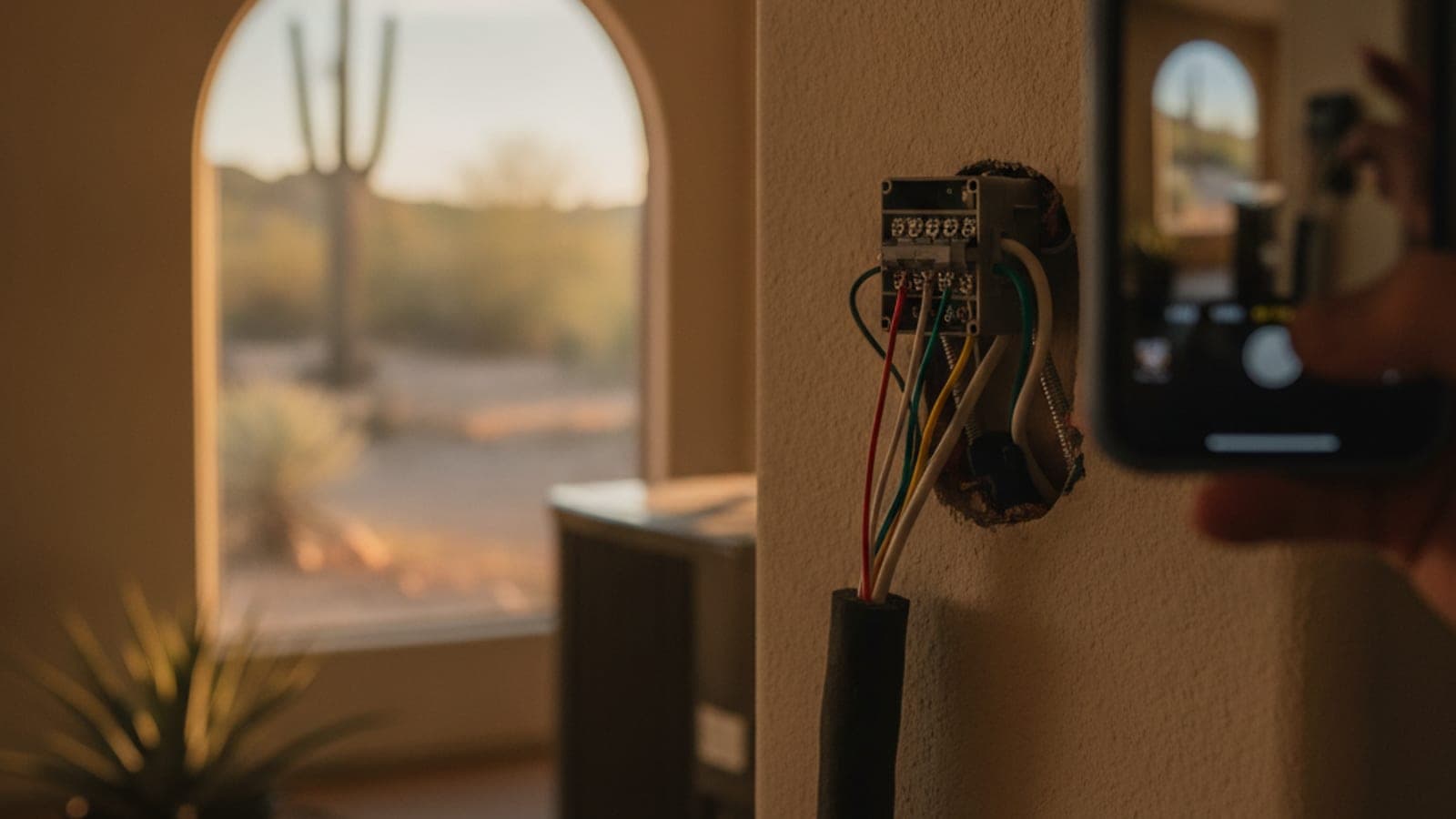
Look at your equipment. A split AC with a furnace, a heat pump, a dual-fuel system and a roof package unit all use different wire layouts. Run Google’s compatibility checker with your own wires. Take a clear photo of the wiring and label each wire before you disconnect anything.
Do you have a C-wire?
A C-wire gives a smart thermostat steady power. If none is available, the thermostat may drop its connection or reboot. Ask whether the fix is an adapter kit or a new wire. Turn the power off at the breaker before touching any wire.
Will Wi-Fi reach the thermostat?
Stand at the thermostat spot with your phone. If the signal is weak, a masonry block wall between the router and the hallway can be the reason. Fix the signal before you mount the device.
Is it a heat pump?
Heat pumps use a reversing valve wire, labeled O/B, and often a backup heat wire. If the thermostat is set up wrong, backup heat can run when it shouldn’t. See smart thermostats with a heat pump.
Does TEP’s time-of-use plan matter?
If you’re on a TEP time-of-use plan, summer weekday on-peak is 3 to 7 p.m., May to September. A schedule that precools the house before 3 p.m. and lets it drift during the peak is the reason to set one up. Savings vary with the house and the plan, and no one can promise a number.
Who should install it?
If wires don’t match what the guide shows, stop and call a pro. See thermostat installation, Nest vs Ecobee, and the Tucson HVAC hub.
When to call us
Call (520) 353-2520 and we’ll match you with a licensed local pro. Mention your equipment make and any missing C-wire.